Talking to FansBot
Ask FansBot about earnings, fans, subscribers and more — in plain language, right in your chat app.
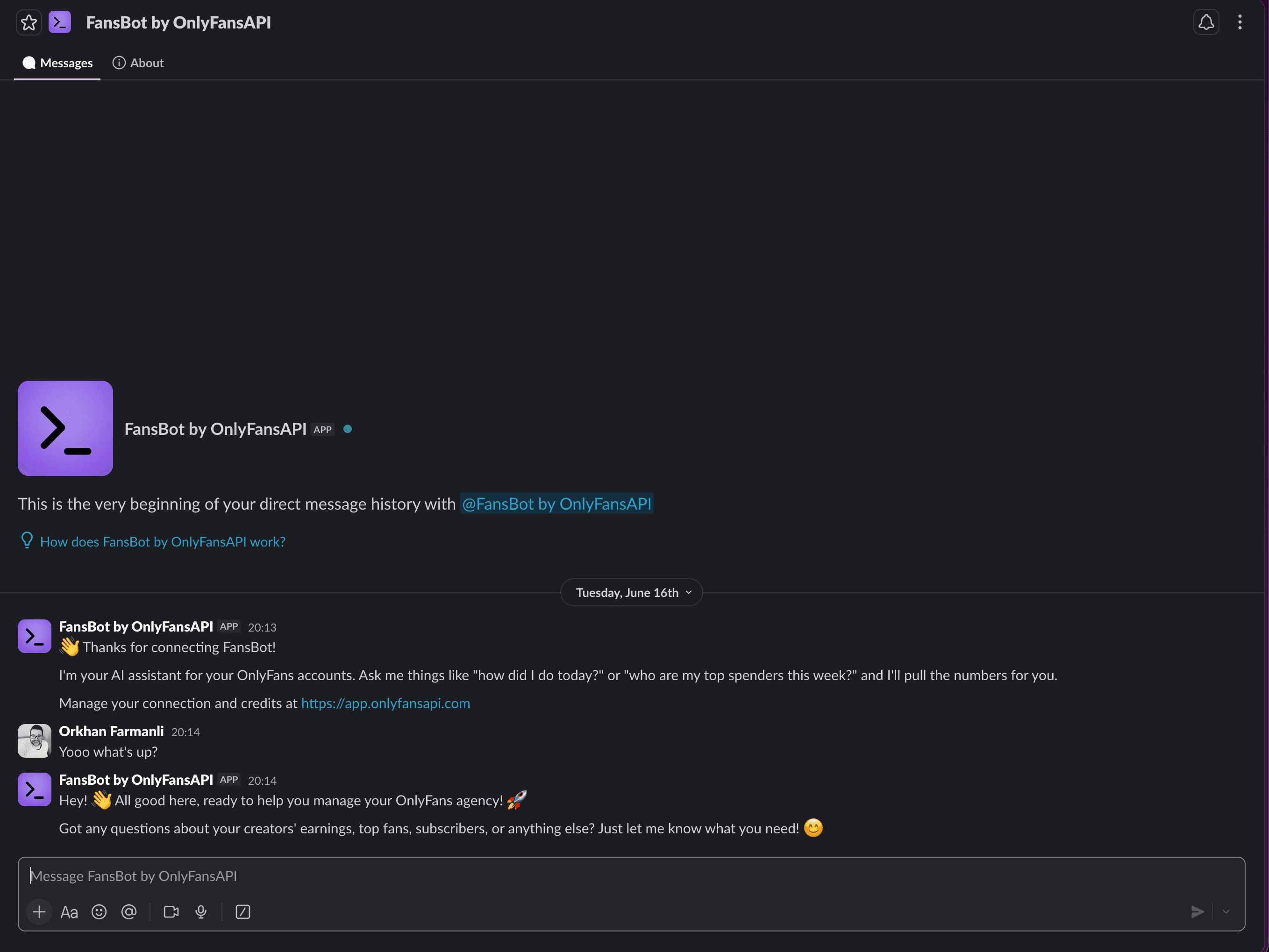
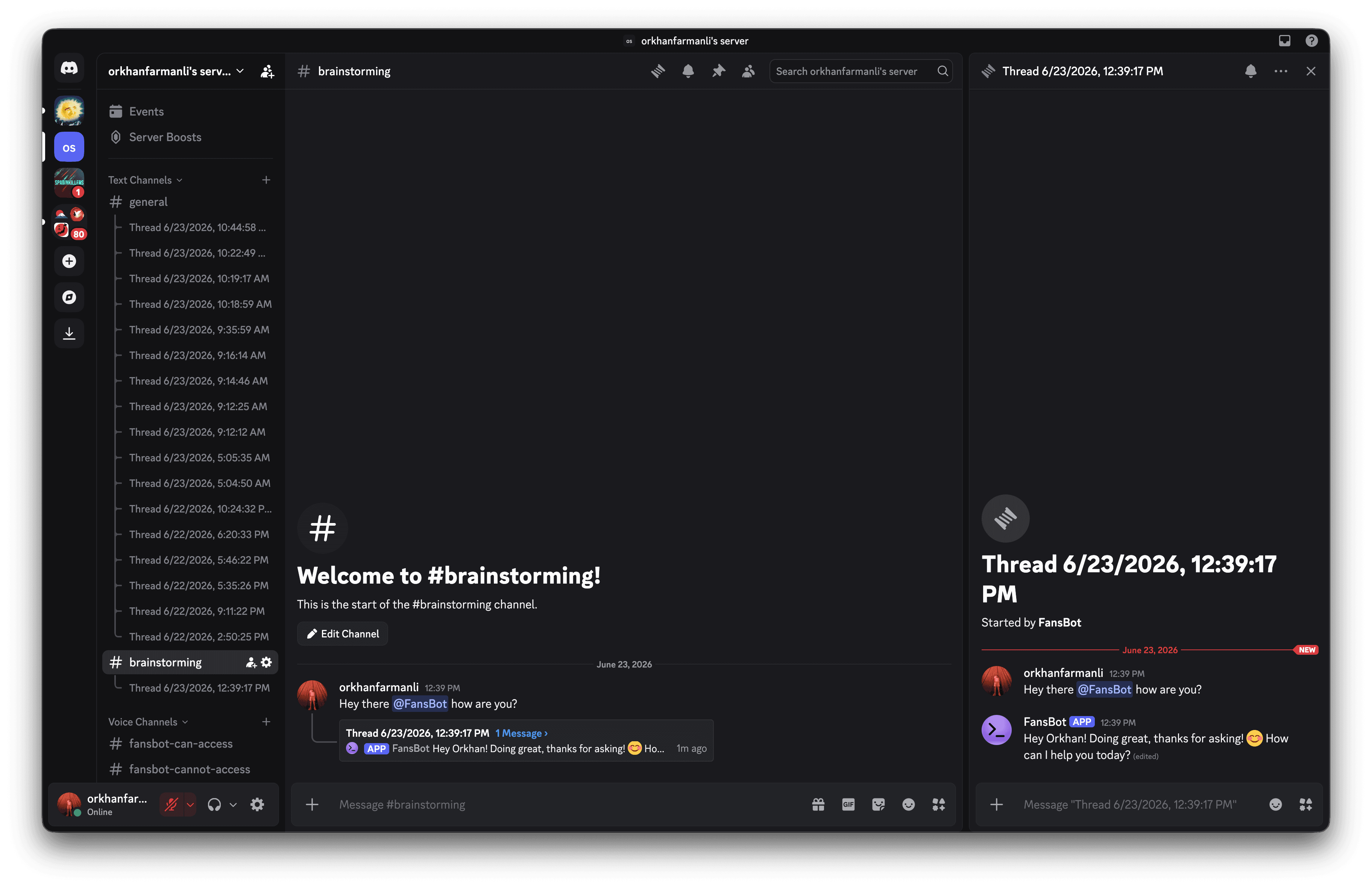
Once a channel is connected, talking to FansBot is just messaging it. Depending on the platform you either DM it or mention it in a channel (see the platform notes below) — then it replies right there in the chat. The first time, it introduces itself as FansBot, your agency assistant.
What you can ask
FansBot reads live data from every OnlyFans account connected to your team. A few examples:
- "How much did we earn this week?"
- "Who are my top fans this month?"
- "How many new subscribers today?"
- "How are my tracking links performing?"
- "Give me an overview of @creator's account."
- "Set up a daily earnings summary at 8am."
- "What apps do I have connected?"
- "Search the web for the going rate on PPV bundles right now."
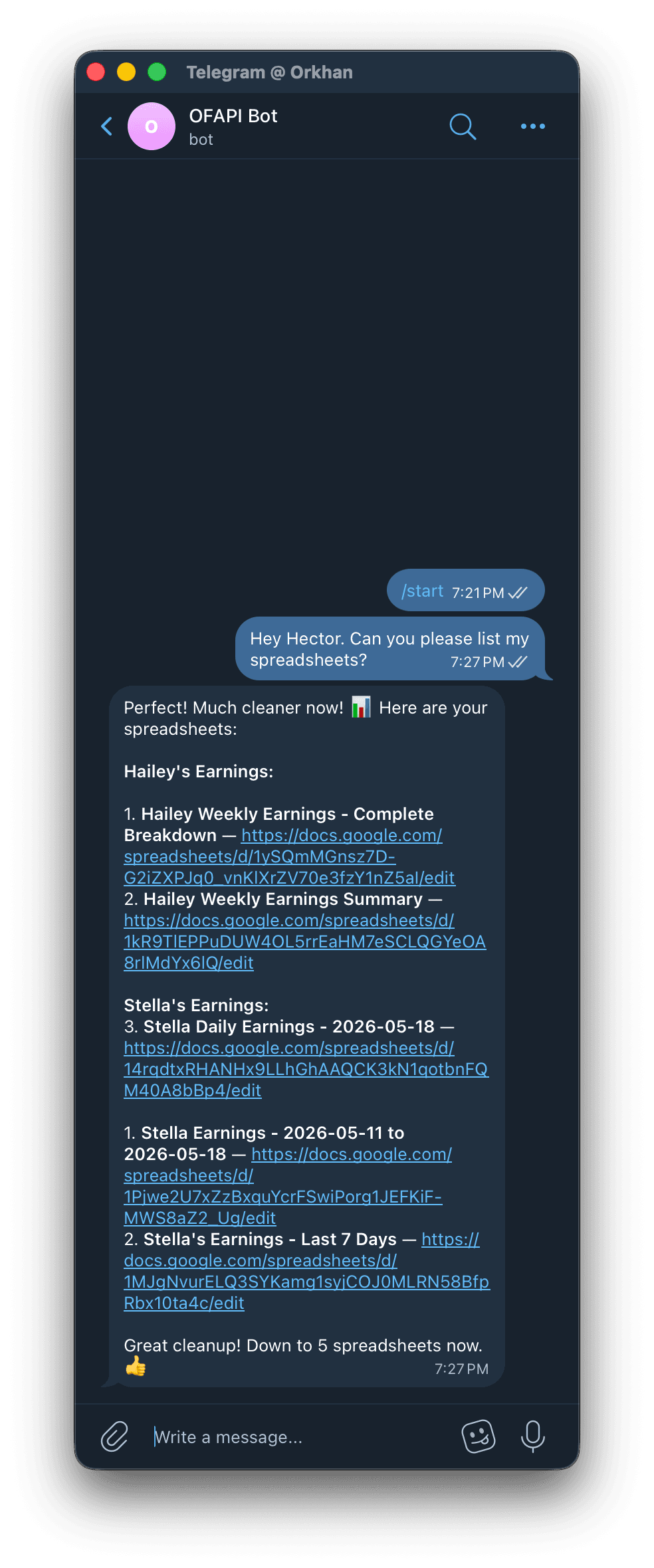
It can also act on your connected integrations — for example, pulling a list of your spreadsheets or your upcoming calendar events:
How it behaves
- It asks before making changes. Anything that creates, edits, or deletes — a scheduled task, a tracking link, and so on — is summarized first with a "Should I go ahead?" confirmation.
- It never invents data. If it can't find something, it tells you.
- It works while you wait. For multi-step questions, it posts a quick "on it…" and follows up with the answer.
- It uses your installed skills. When a request matches a skill your team has installed, FansBot follows that playbook automatically — you don't have to invoke it.
- It can search the web. When a question needs outside information, FansBot looks it up. Web searches are billed separately — see usage.
- It can send you files. FansBot can post files straight into the chat (a CSV export, a generated image, and so on). File size limits depend on the platform: roughly 10 MB on Discord, 50 MB on Telegram, and 100 MB on Slack.
Platform notes
- Telegram: the bot only replies to users on the channel's Permitted Users IDs list — anyone else is shown their own User ID so an admin can add them (see Channels). Send
/startto reset the conversation and clear history. - Slack: send FansBot a direct message, or invite it to a channel and mention it.
- Discord: @mention the bot (for example,
@FansBot) in a server channel to start — Discord DMs aren't supported. After it replies, keep chatting in that thread without re-mentioning it. Who can use it is set per channel from the dashboard (Allow everyone, or a list of permitted members) — see Channels.
Every answer uses credits. Track what FansBot is spending on the usage page.