Scheduled tasks
Automate recurring reports and reminders that FansBot runs on a schedule and delivers to your chat.
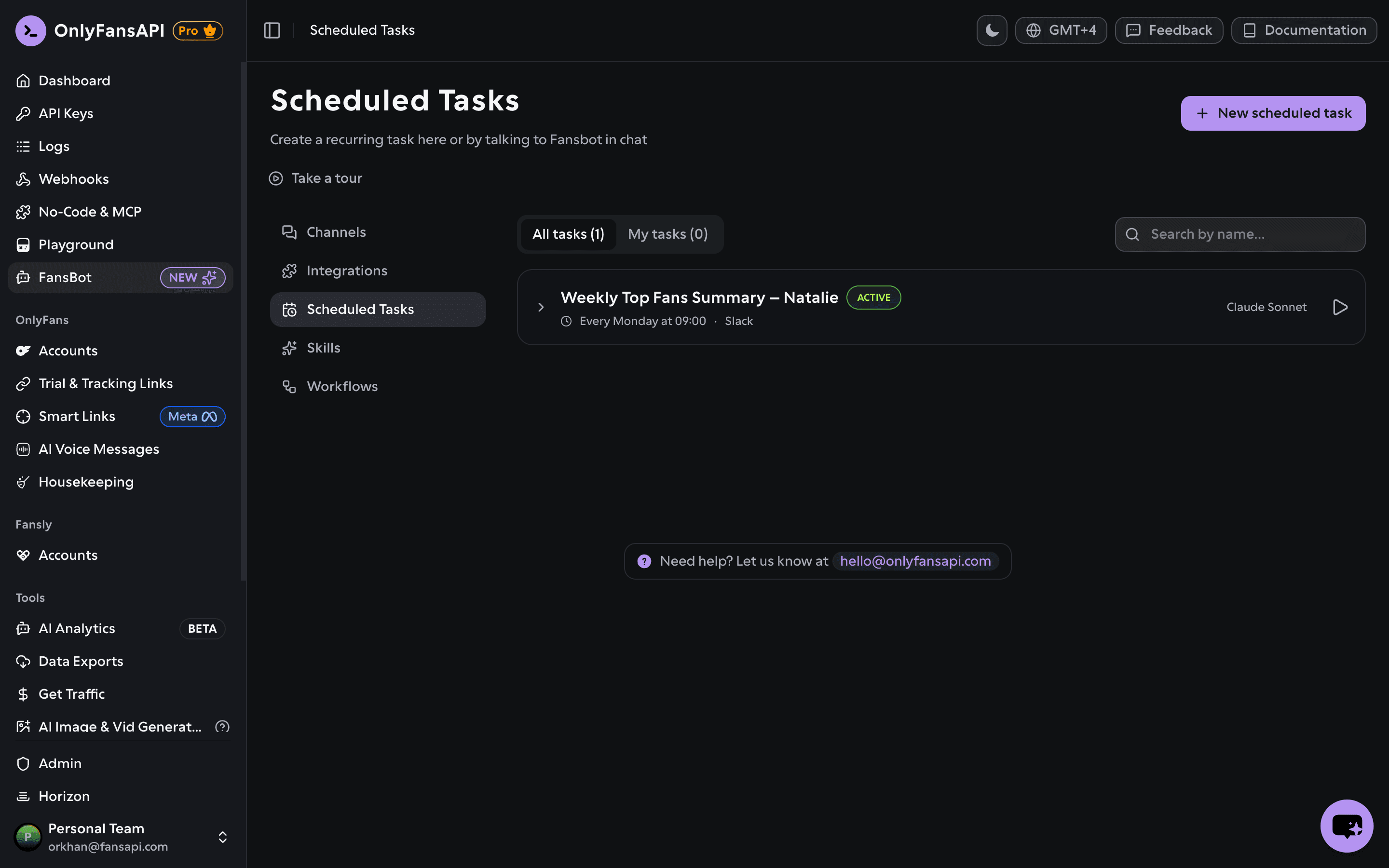
A scheduled task is a recurring job FansBot runs on a schedule and delivers to a chat you choose — a daily earnings summary, a weekly recap, a morning reminder, or anything else you can ask FansBot to do.
Want a head start? Browse Workflows for ready-made scheduled tasks you can set up in one click.
Create a task
There are two ways to set one up.
Ask in chat
Just tell FansBot what you want:
"Send me a daily earnings summary for the whole agency every morning at 8am."
FansBot confirms the details — including your timezone, which it asks for if you haven't said — creates the task, and offers to run it once right away as a preview.
Use the dashboard
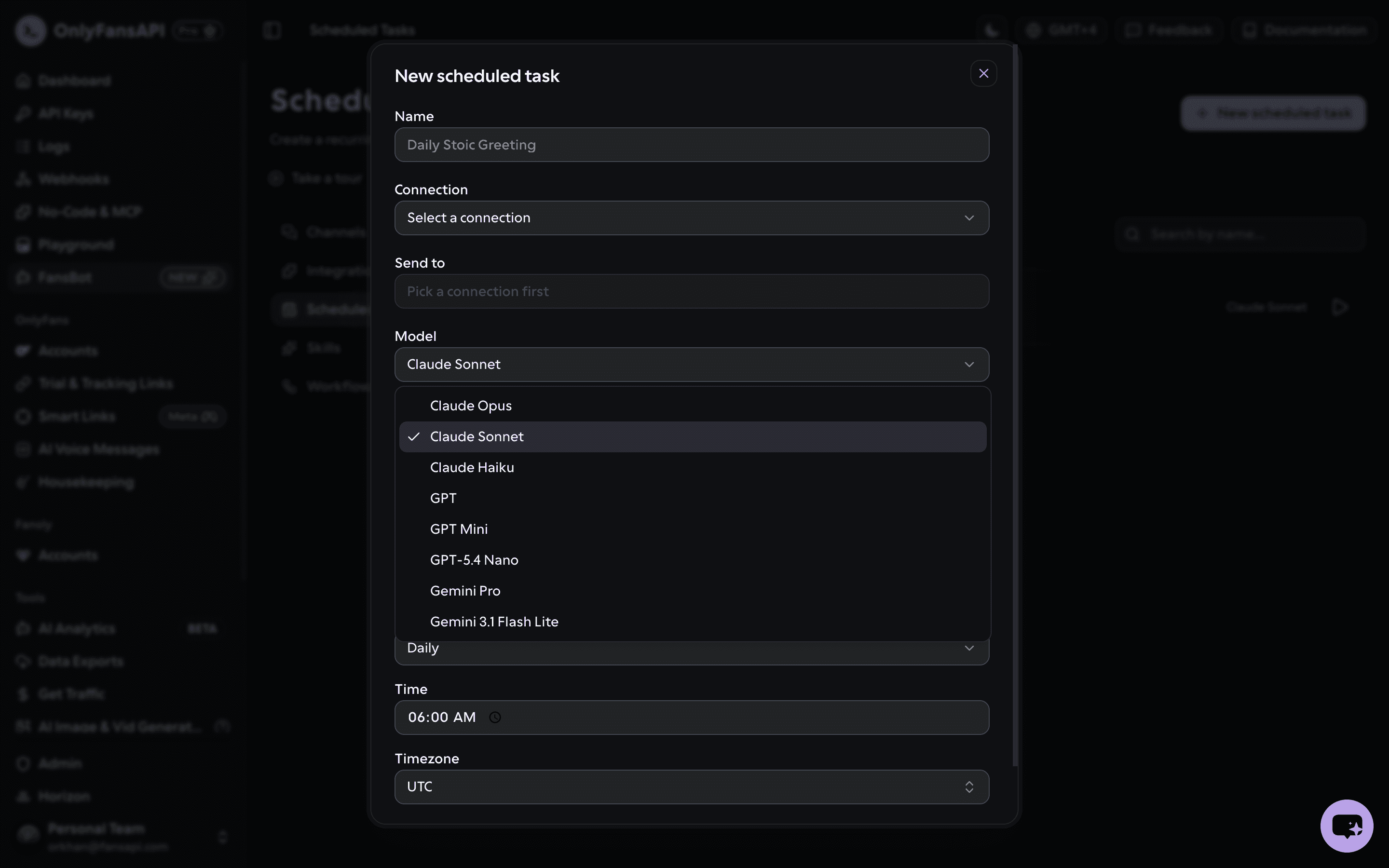
In your OnlyFansAPI dashboard, open FansBot → Scheduled Tasks and click New scheduled task. Fill in:
- Name — a label for the task.
- Connection — which connected channel delivers it (chosen when you create the task).
- Send to — the destination on that channel (the chat or user ID).
- Model — the AI model that runs the task: Claude (Opus, Sonnet, Haiku), GPT (GPT, GPT Mini, GPT-5.4 Nano), or Gemini (Pro, 3.1 Flash Lite). Defaults to Claude Sonnet.
- Prompt — what you want FansBot to do on each run.
- Frequency — Daily, Weekly, Monthly, every N minutes/hours, or a custom cron expression, plus the time / days and timezone.
Manage tasks
Each task is a card showing its schedule, status, last run, and next run. Switch between All tasks and My tasks. From a card you can:
- Run now — trigger it immediately.
- Edit — change the prompt, schedule, or destination.
- Pause / Resume — stop it running without deleting it.
- Delete — remove it for good.
Scheduled task runs use credits too, billed to the model you pick. See them broken out on the usage page.