n8n & OnlyFans - Quickstart
Best for building complex, multi-step no-code automations. Perfect for users who want powerful automation capabilities with full control over their workflows.
This integration supports every OnlyFans API endpoint!
Our n8n integration is our most actively maintained integration, and it supports every single endpoint in our API.
Available in official n8n node library or self-hosted instances
Currently, our n8n integration is available in the official n8n nodes library or as a self-hosted instance.
Prerequisites
To get started, you must have:
An OnlyFans API account
If you don't have one yet, registering takes just a few seconds.
» Create a free account
A n8n instance
You can either use n8n's native infrastructure, or a one-click provider. Some popular options are:
n8n Cloud (native)Hostinger (20% off)DigitalOcean (Get $200 in credit)Self-hostedInstalling the OnlyFans API node
Limited to n8n instance owners
Only the n8n instance owner can install and manage verified community nodes. The instance owner is the person who sets up and manages user management. All members of an n8n instance can use already installed community nodes in their workflows.
To install the OnlyFans API node in your n8n instance:
Log in to your n8n instance.
Create a new workflow by clicking on "Create workflow" in the top right corner.
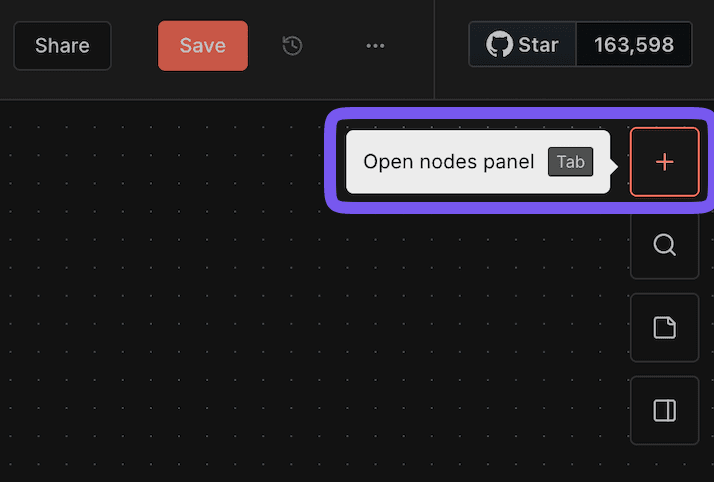
Go to the Canvas and open the nodes panel (either by selecting '+' or pressing Tab).
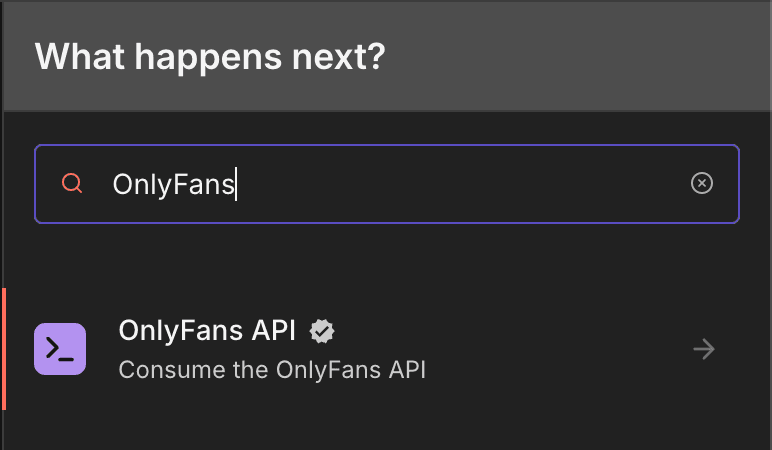
Search for "OnlyFans API" in the nodes panel, and select it. This takes you to a detailed view of the OnlyFans API node, showing all the supported actions.
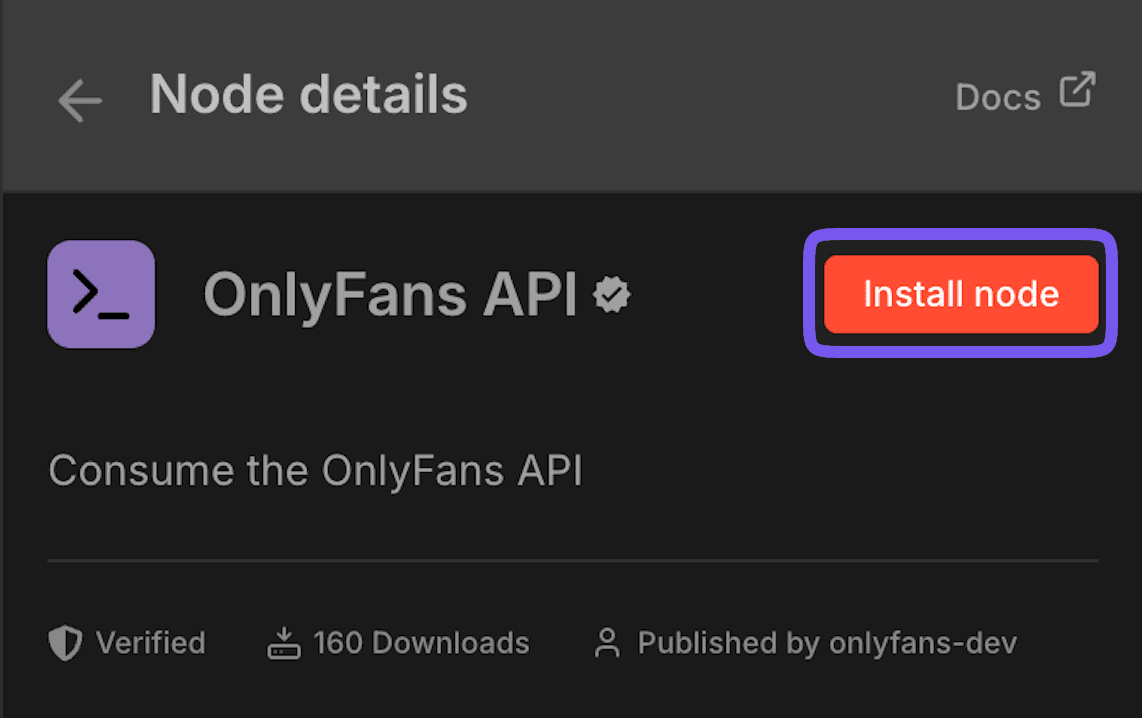
Next to our logo, click on the "Install node" button.
This will install the node for your instance and enable all members to use it in their workflows.
That's it! You can now add the node to your workflows.
Updating the OnlyFans API node
We frequently release updates to our n8n node, adding new features and fixing bugs. To update to the latest version, follow the instructions below:
Connecting your OnlyFans API account to n8n
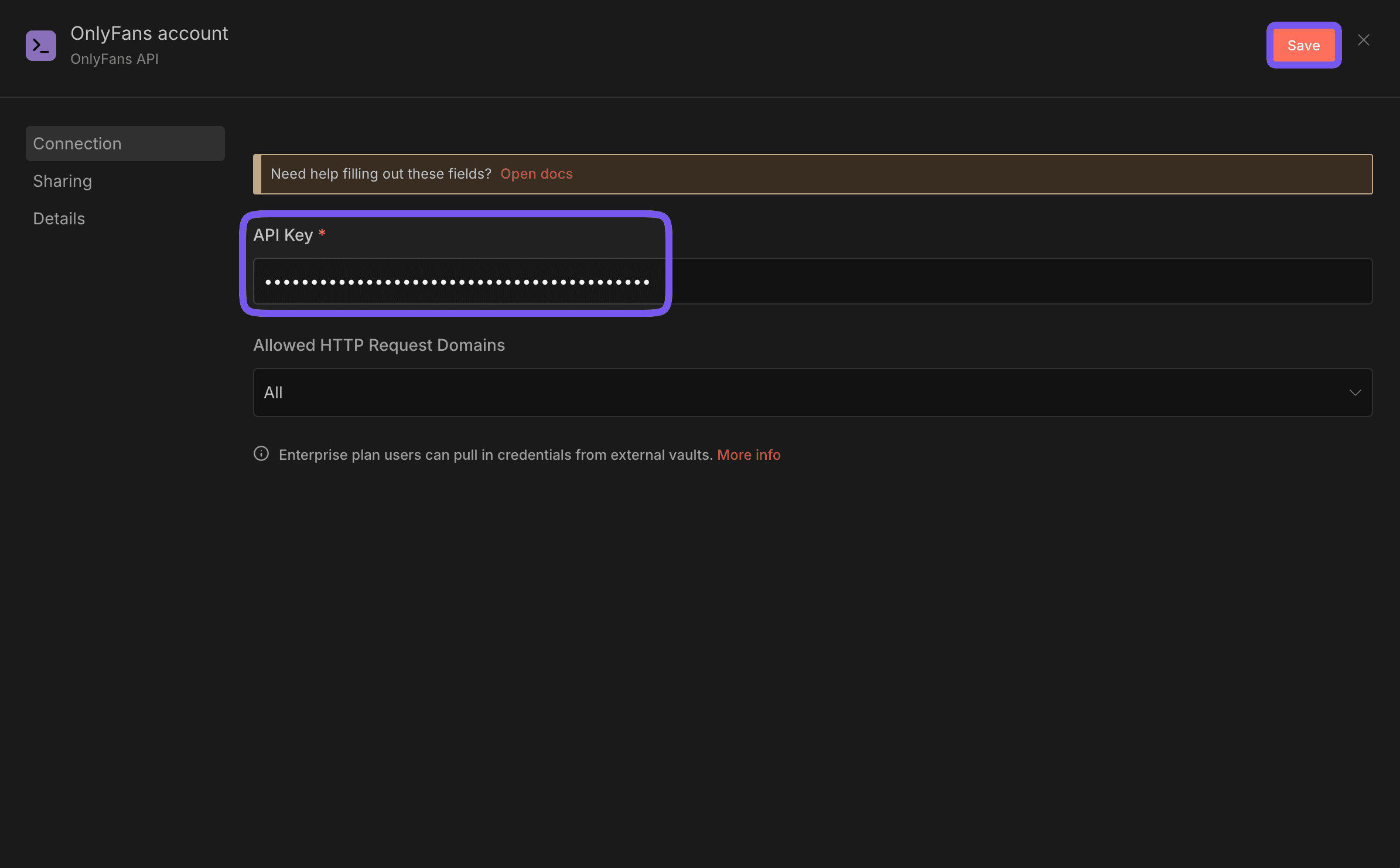
Head to your n8n instance's homepage, and click on "Create Credential"
in the "Create Workflow" dropdown. 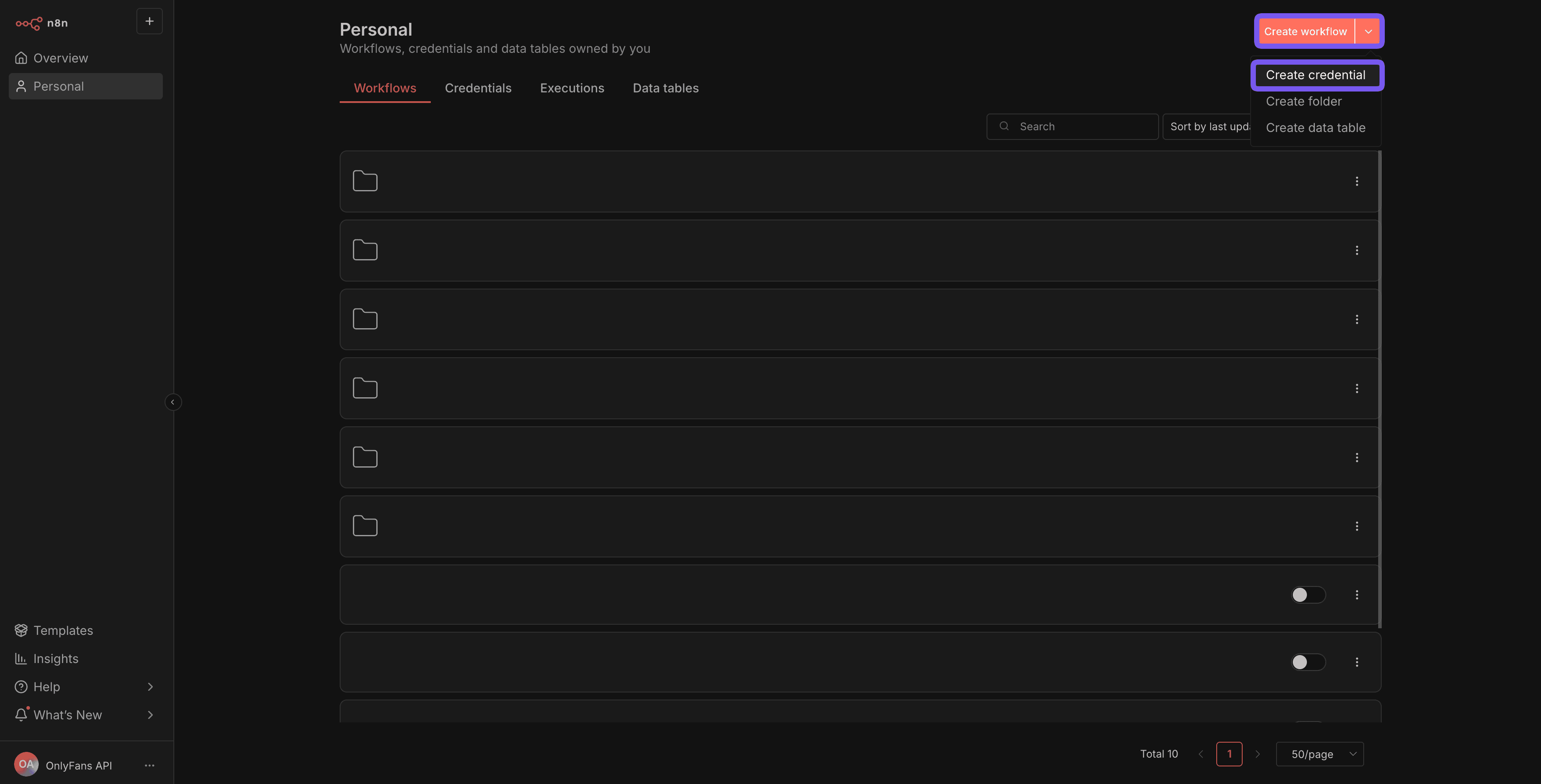
Select "OnlyFans API" from the list of available credential types, and
click "Continue". 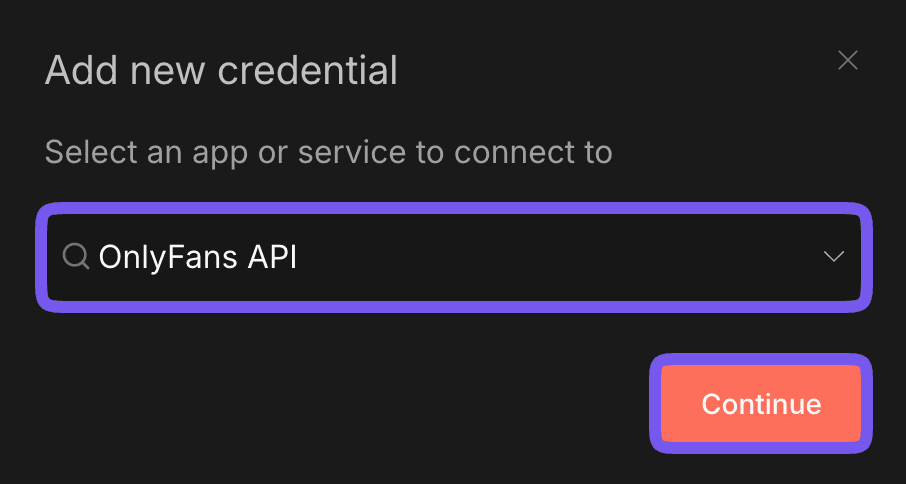
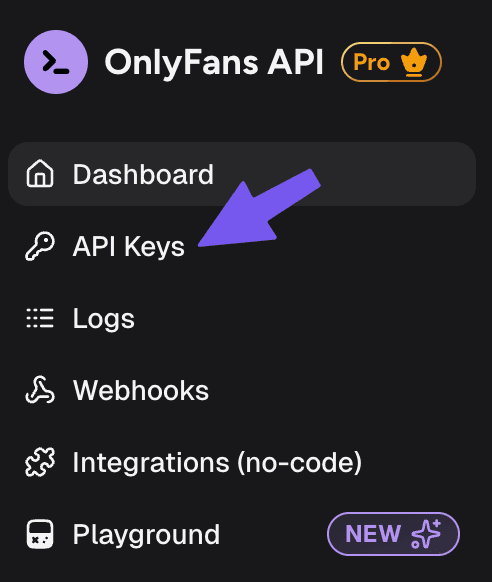
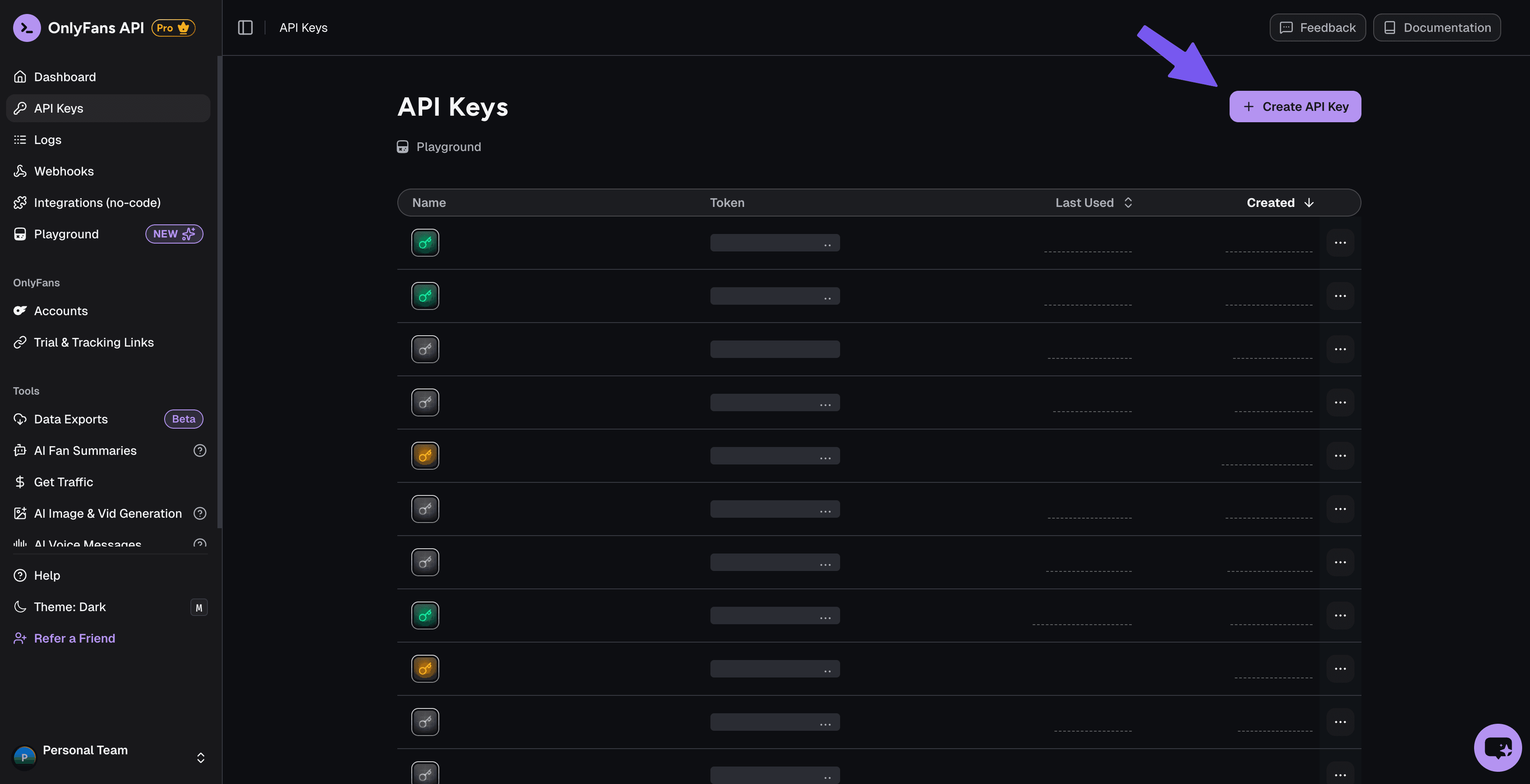
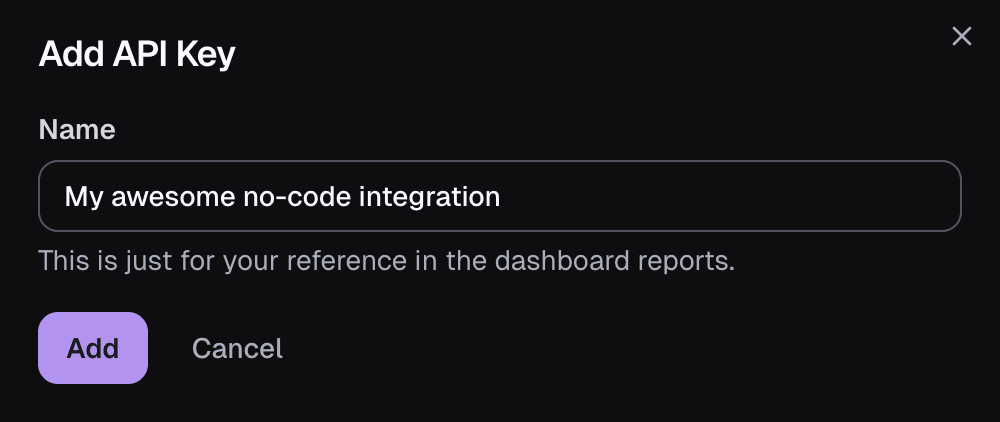
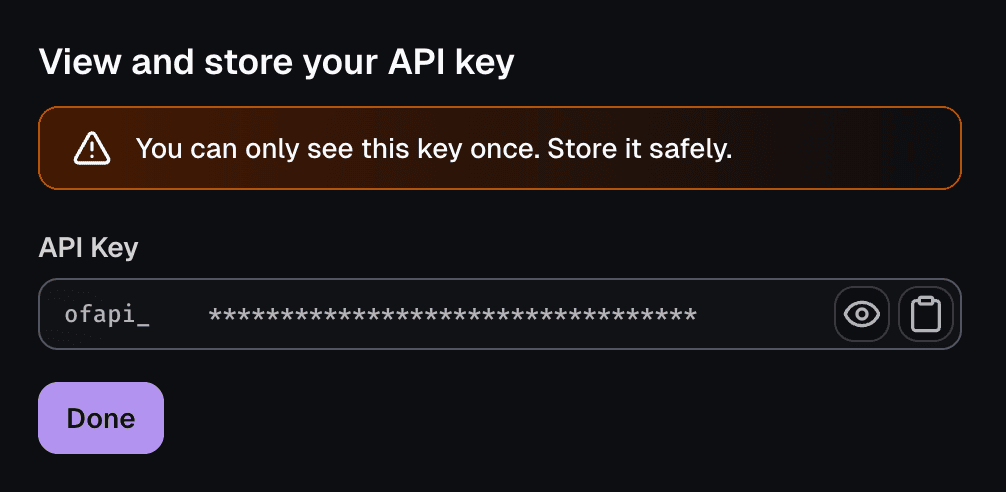
Paste the API key into the "API Key" field, and click "Save".